Community Resources
Discover and download community-contributed resources
CBZ to XTC converter (for manga/manhwa and comics)
ToolForked from varo6/xtcjs. Added 2-bit Greyscale and Manhwa Portrait Strip
XTEINK iOS Official App
ToolOfficial XTEINK iOS application.
cbz to xtc
ToolFork. Added 2-bit greyscale and pdf support and then faster converting and encoding.
Endnotes to parenthetical notes
External LinkA simple online converter that takes an EPUB file with endnotes or footnotes and produces a new EPUB in which all of those references are pulled directly into the main text as parenthetical notes. Instead of navigating back and forth between the text and the end of the book to read citations like “[1]” or “[2],” this tool embeds the note content inline, making it easier to read on devices without touchscreens or convenient navigation controls
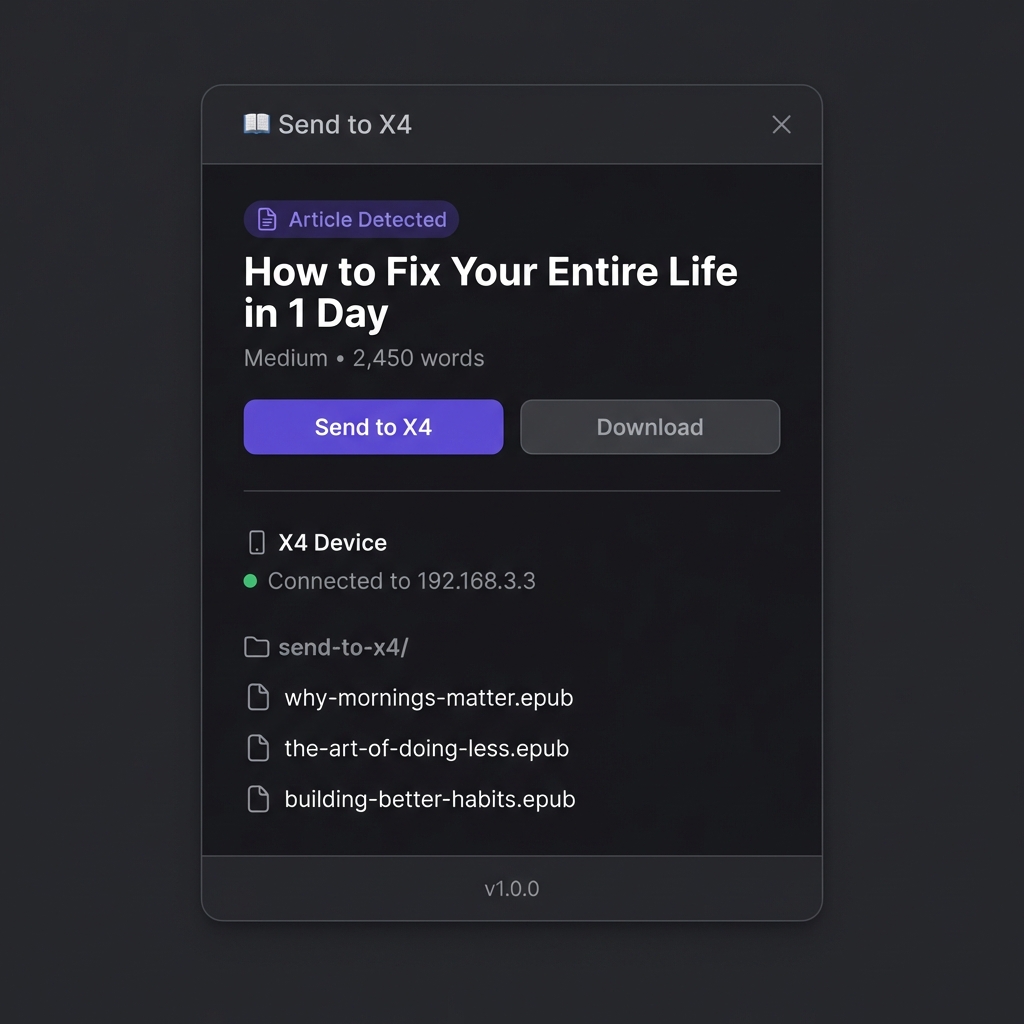
Send to X4 (browses extension) — Send web articles to Xteink X4 as EPUB
ToolSend to X4 is a Chrome and Firefox extension that converts long-form web articles into clean EPUB files and uploads them directly to the Xteink X4 over its WiFi hotspot. Local-first: no accounts, no cloud, no tracking. Uses Readability to strip clutter and generate a clean layout for distraction-free reading
baseline_jpg_converter
PluginCalibre plugin that converts EPUB cover images and all embedded images to baseline JPEG format. This helps resolve display issues in Crosspoint, where covers may not appear because Xteink does not support progressive JPEG images.
Xteink X4 Calendar Generator
ToolSimple web app that helps you generate Xteink X4 friendly calendar pages. Ready to use as screen saver.
XTC to PDF converter
ToolThis is a very simple browser-based XTC to PDF converter used to create PDFs from XTC files for the XTeink readers.
PDF to XTC converter
ToolYou can now convert PDF Files too! The author made the default settings the ones that fits most for them (handwritten notes from classes), Sometimes Atkinson+Strong might be better than the defaults (Atkinson+maximum).
CBZ to XTC converter (for manga and comics)
ToolBased on the work done by tazua and Xretsim with cbz2xtc (https://github.com/tazua/cbz2xtc). Repo: https://github.com/varo6/xtcjs
Huge collection of wallpapers
OtherHuge collection of wallpapers suitable for the XTEink X4. More info: https://lowio.xyz/#x4epapers

cr2xt: desktop XTC converter
ToolE-book to XTC format converter based on Cool Reader and crengine for Windows, macOS and Linux. Supported document formats: fb2, fb3, epub (without DRM), rtf, doc, docx, odt, htm, Markdown, chm, pdb, mobi (without DRM), txt, trc, prc. Supports batch mode to convert all documents in a folder.
X4 Wallpaper Converter
ToolA web tool that allows for easy creation of wallpapers for the X4 or X3.
Wikipedia to TXT
ToolPaste a link to any Wikipedia article. This website will extract all the text and download it as a .txt file.
Xteink Flash Tools
ToolFlash English(or Chinese or Other) firmware from your browser

EPUB2XTC
ToolEPUB to XTC Converter A dedicated tool for converting standard .epub files into the native .xtc binary format for the Xteink X4 e-reader. Available as a desktop app or a no-install web tool. Key Features: Smart Navigation: Automatically generates a Table of Contents with page numbers and a Progress Bar with chapter ticks on every page. Chapter Filtering: Option to hide specific chapters or sections from the TOC and progress bar without removing them from the book. Live Preview: Real-time layout rendering with support for both Portrait and Landscape orientations. Custom Layout: Full control over typography and margins optimized for e-ink displays. Desktop app: https://github.com/Rafal-P-Mazur/EPUB2XTC Web version: https://epub2xtc.streamlit.app/
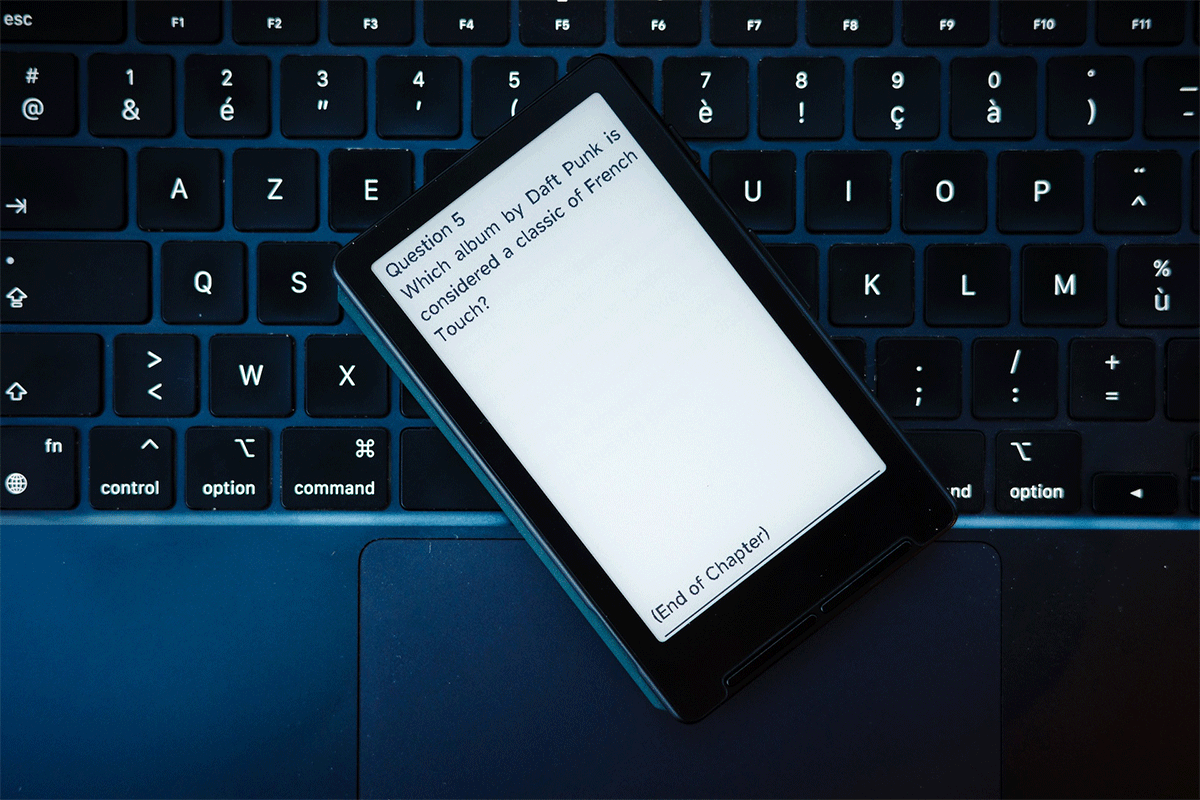
Flashcards Club - Generate EPUB Flashcards for E-Readers
External LinkGenerate flashcards optimized for e-ink displays. Create personalized learning materials instantly and study offline on your Xteink.
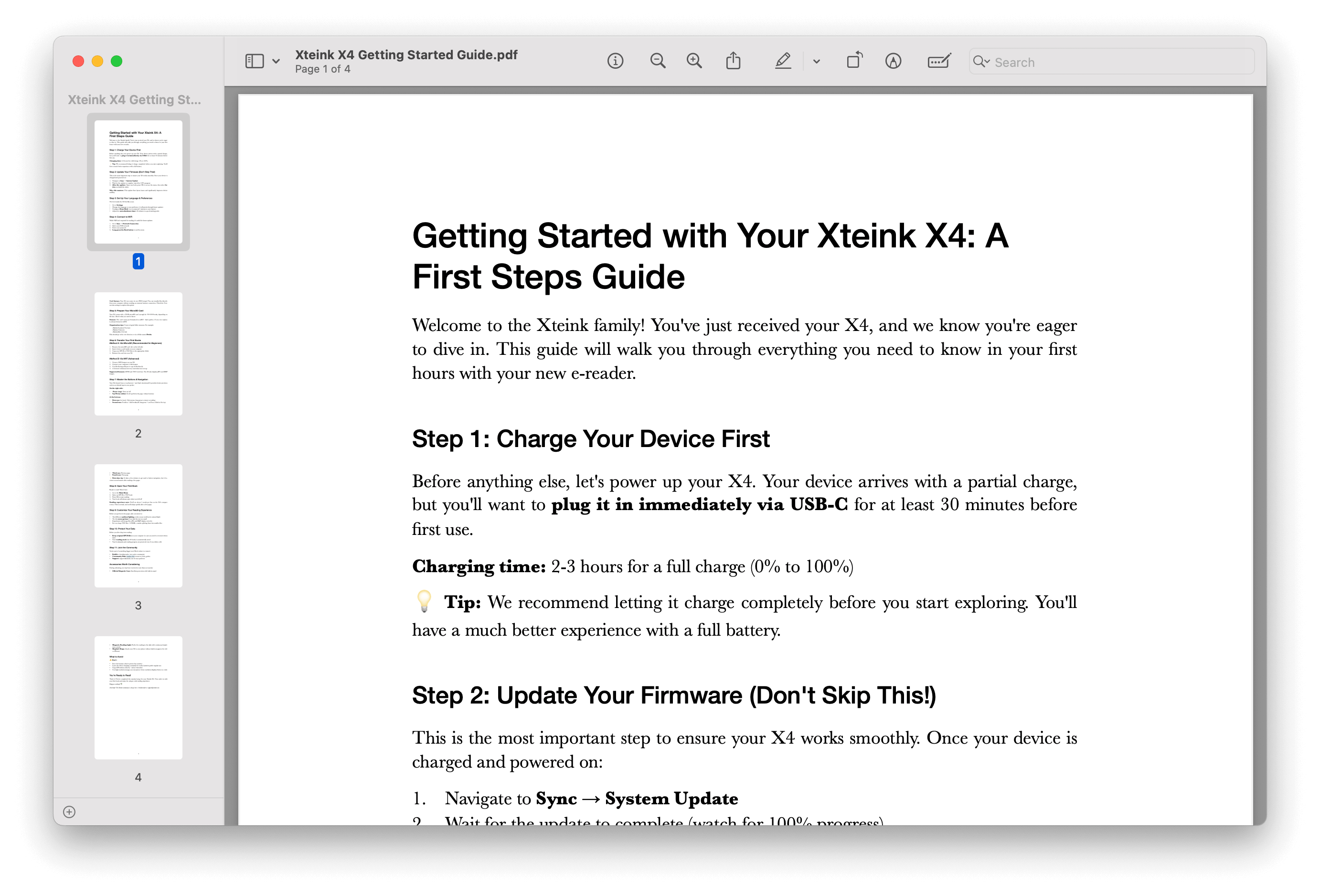
Getting Started with Your Xteink X4: A First Steps Guide
DocumentationJust unboxed your Xteink X4? Here's what matters most: charge it for 30 minutes via USB-C, then immediately run the firmware update (Sync → System Update). This single step will save you from layout glitches and stability issues. Don't skip rebuilding the index afterward—open any book, hit OK, select Index. These 5 minutes will make the difference between frustration and smooth sailing. Your X4 isn't like other e-readers. It has no touchscreen (that's a feature, not a bug), uses physical buttons for precise navigation, and works best with a well-organized microSD card. The learning curve is about 10 minutes—just enough time to read your first chapter. We've mapped out exactly which buttons do what, how to transfer books the easy way, and which settings to adjust first for the best reading experience. This guide gets you reading in under 30 minutes. From understanding the button layout to setting up WiFi transfers, organizing your library, and avoiding common newbie mistakes—it's all here in plain English. Download the complete PDF and keep it handy while you set up. Your future self (and your X4) will thank you.
Discord Server
External LinkDiscord server for developers and users. Discussion of custom firmwares, converters, tools, mods, accessories, wallpapers, fonts. Channels for other small e-readers (M5 Paper S3, obook5, LILYGO T5 Paper S3) and the upcoming Xteink models (X3, S4).
Analysis of XT4 Firmware (V3.0.2-EN.bin) - Font System Deep Dive
DocumentationDocumentation of my findings analyzing OTA file. My goal was to extract system fonts and try to re-implement external non monospaced fonts like system ones. During that I've managed to extract .bin into blocks of system images. Unfortunately I came to a wall and my current hypothesis is that system fonts are using some internal functions we can't properly use for external fonts. Further investigation is needed, as maybe we could prepare OTA file that can pass new font as internal one, which would allow us to use fonts like Bookerly as system ones.
EPUB batch workflow (no more ugly ePub)
ToolA professional Python script for automating EPUB file processing and cleanup at scale. Process single files, entire directories, or recursively scan for EPUB files with an interactive menu-driven interface.
How to Extract Unencrypted Firmware Segments from Chinese OTA
DocumentationThis is documentation of my tries of getting into system files. My first try was on English 3.0.2 OTA which I assume is encrypted and hard to work with. This time I was trying to do it on Chinese version from this hub which seems unencrypted and easier to "unpack" and cut into partition segments. I've managed to do that, but because of lack of variables and documentations in those partitions, I think it would need now to be manually de-assembled. I leave all of my findings in hope someone more competent would find this useful for his own purposes.
Quick Reference Chart
DocumentationThis guide provides the essential information for optimizing content for the XTeInk X4's 480×800 e-ink display. The key priorities are proper image sizing, file weight management, and understanding the device's formatting limitations.
English Firmware Flash - 3.0.2
OtherThis is a full flash dump of the English firmware at version 3.0.2.
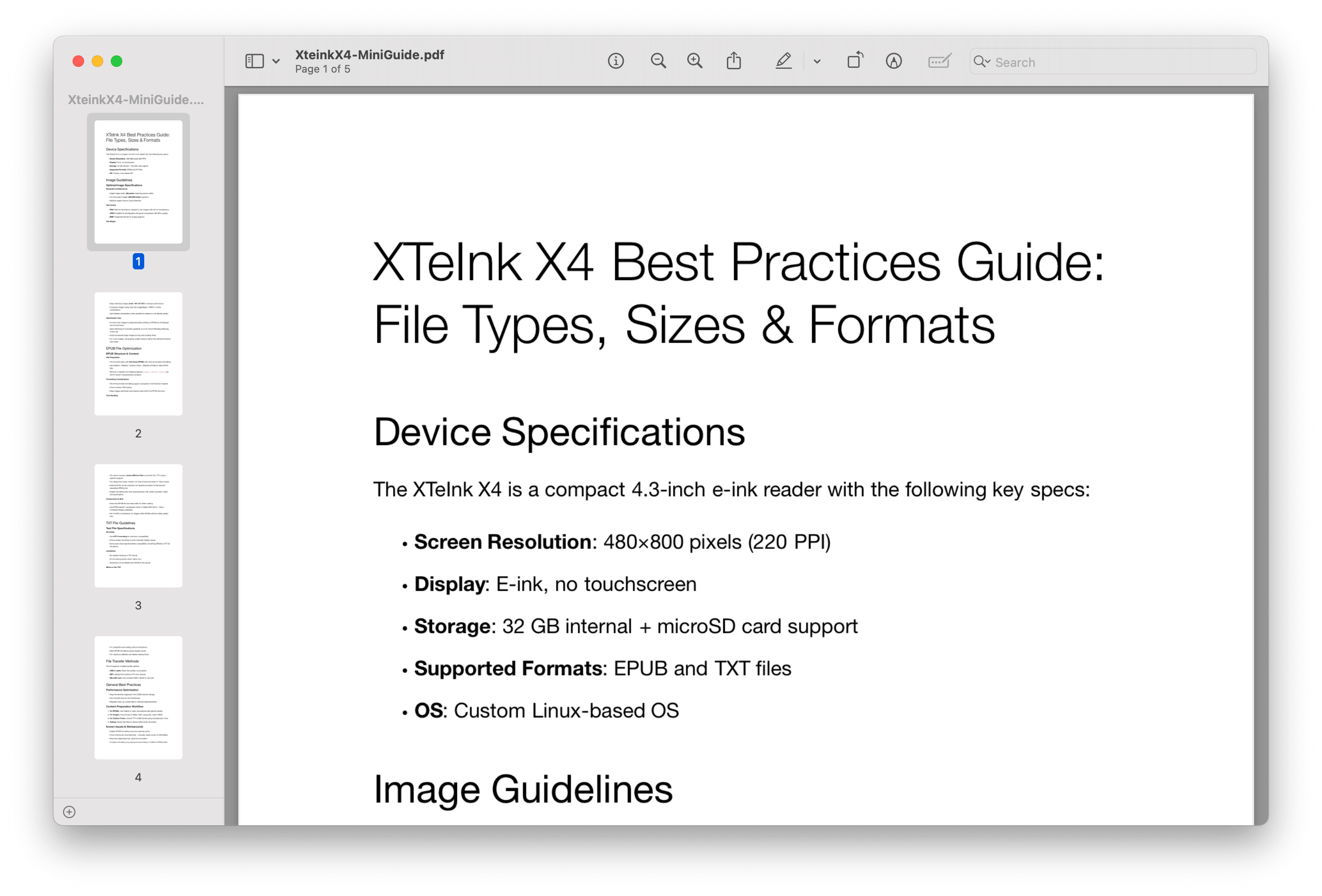
Xteink X4 Best Practices Guide: File Types, Sizes & Formats
External LinkFile Types, Sizes & Formats: all-in-one guide to know everything.
Optimize Any EPUB for XTeInk X4 (Including DRM Removal)
DocumentationA simple guide to optimize any epub for Xteink X4 (including drm removal)
Web Font Maker
ToolWeb Based free and open source tool to convert ttf/otf font files to .bin file, with customizations like boldness, char spacing, Optical Alignment and with latin alphabet in mind. All of original windows app settings are ported with some others for better handling of latin letters. There's also gallery to browse, submit and download fonts created in the tool.
EPub -> XTC Converter update
ToolI’m really glad you’re enjoying my EPUB → XTC converter: http://x4converter.rho.sh I’ve just added a couple of new features that people have been requesting in comments: Landscape rendering Custom fonts Higher image quality (But really slow rendering - https://streamable.com/d9gi6k) Reading progress bar Faster XTC rendering Keep in mind there may still be some bugs. For example, the chapter percentage isn’t always perfectly accurate so if it's bother you then remember to turn it off. I also spotted that during rendering phase a preview looks broken - but don't worry XTC file should be fine.
ePaper Font Converter
ToolAn all-in-one tool for adjusting, previewing, generating, and pushing fonts! Convert your favorite fonts for your portable e-ink readers - right from your phone. Dotink lets you easily transform ttf fonts into bin fonts optimized for e-ink devices, without needing a computer. Key Features: Use system fonts or import external .ttf font files. Customize character spacing, line height, size, and weight for better readability on your e-ink display. Preview font rendering in real time - closely simulating the actual e-ink device display. Supports multiple portable e-ink readers, including XTEINK X4, MoFei 3.7, and WuDaDa-XiaoMo. 5.

EPUB Workflow Plugin for Calibre
PluginFree Calibre plugin that batch-processes EPUBs with one click. Repairs, optimizes, and cleans your ebook files automatically. Always creates backups. Works on all platforms. And resizes images!
Guide to Firmware Updates, Backup and Flashing
DocumentationI have compiled a guide on how to flash, backup, and update firmware. The more advanced commands are linux-based, but you shouldn't need those to do a basic flash/backup. https://github.com/Joseph-Cannaday/xteink_x4-english
Image to BMP Converter (Screensavers)
ToolConvert any Image to BMP files for using as a screensaver on XTEINK X4. Supports compression if required
Markdown to ePub
ToolA Python tool to convert Markdown files to beautifully formatted ePub books with an interactive terminal interface and advanced features.
Xteink X4 English Firmware Flash - 3.0.2
OtherThe official update from the official XTEINK API server.
Chinese XTOS firmware
OtherThis is a complete firmware dump of Chinese XTOS 2.2.0
X4 User Guide (PDF)
DocumentationComprehensive user manual for the XTeink X4, covering setup, features, and troubleshooting. You could read the community guide too, look up, it's in the menu.